A useful Business Profile review starts with whether the profile represents a real eligible business, then checks that customers see accurate information. Filling fields without checking their truth can create more problems than it solves.
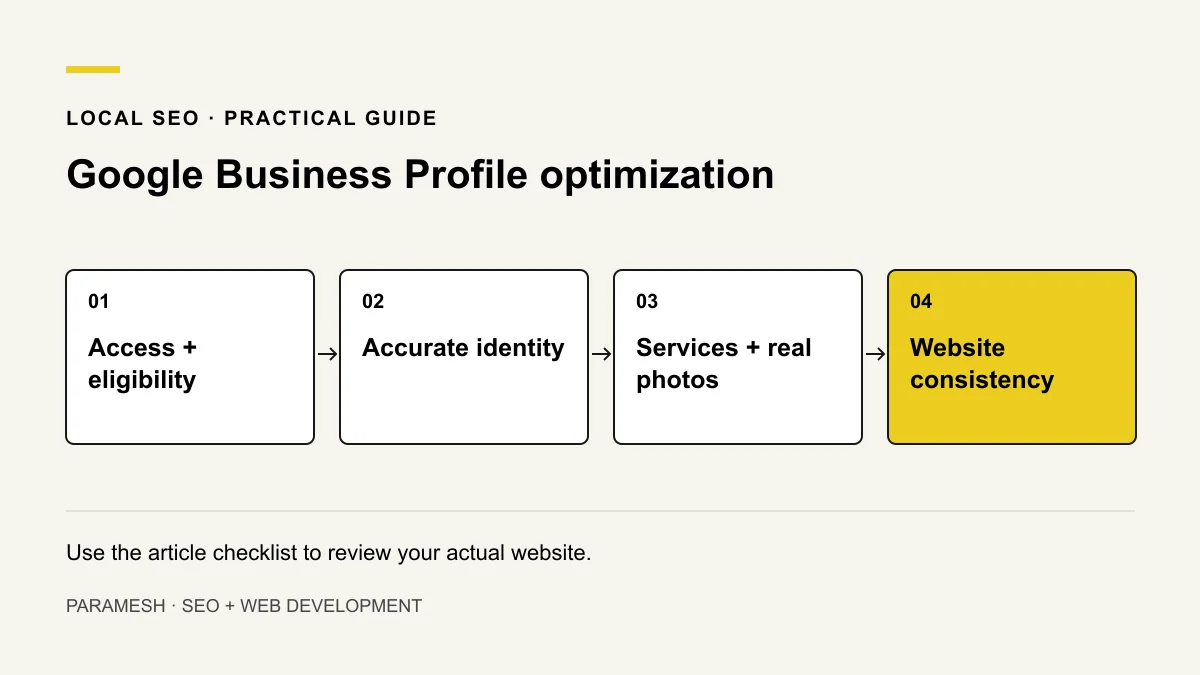
Check access, verification and the business model first
Review status in the owner dashboard. A public “Own this business?” label alone does not tell you whether the profile is verified. Keep business ownership with the business and grant only the access needed for agreed work.
Distinguish a storefront from a business that visits customers. An online-only business may not qualify. Use Google’s business representation guidelines before changing an address or creating another profile.
Review identity and availability
- Use the actual business name, without promotional additions.
- Check phone and website destinations from a customer’s perspective.
- Use the real address or appropriate service-area configuration.
- Publish actual hours, special hours and appointment information where applicable.
A correct phone in one field does not fix an old number on the website or another listing. Record each discrepancy and where it needs changing.
Choose categories and describe services accurately
The primary category should reflect the main business. Add secondary categories only when they describe real activities. Do not choose categories simply because you want their keywords. Available categories can change; review the live options.
Use the business description to explain the offer clearly. Services should describe work you actually provide. Avoid exaggerated claims, location lists and repeated keywords. Read Google’s category guidance for the current approach.
Use real photos and honest reviews
Use approved photographs of the actual premises, people or completed work where appropriate. A stock photograph must not imply a branch or a finished client project. Check image rights and keep private information out of uploads.
Invite genuine feedback from actual customers. Do not offer discounts for reviews, create reviews for customers or selectively discourage negative feedback. Google’s Maps contribution policy covers fake engagement.
Check the website connection
The linked website should explain the same business and services. Check contact details, mobile navigation and the final enquiry step. A visitor should understand whether to call, request an appointment or send details.
Illustrative review row: “Profile phone differs from website footer → confirm current number with owner → update the incorrect location → retest the call link.” This is a sample worksheet, not a claim about a client.
How I would organise the review
I would separate factual corrections from suggested improvements. For each item, I would record the current value, what the owner confirms, the required change and the retest. Changes to core identity deserve more care than uploading another promotional image.
- Confirm access and eligibility.
- Resolve identity or status problems.
- Review categories and services.
- Check approved media and review handling.
- Align the website and useful public listings.
Will completing the profile guarantee Maps visibility?
No. Accurate information helps Google and customers understand the business, but distance, relevance and prominence also matter. Read how Maps visibility works or use the missing-profile decision guide if the business cannot be found.
Related services
If you need help implementing these checks, you can review the relevant scope:
Need help applying this?
Share your website and the problem you want to solve. I work directly with businesses across Hyderabad and Secunderabad.
Discuss your website ↗