If your Hyderabad business is missing from Google Maps, start by checking the profile status and the details customers can see. This guide helps you separate profile problems from website issues before deciding what to change.
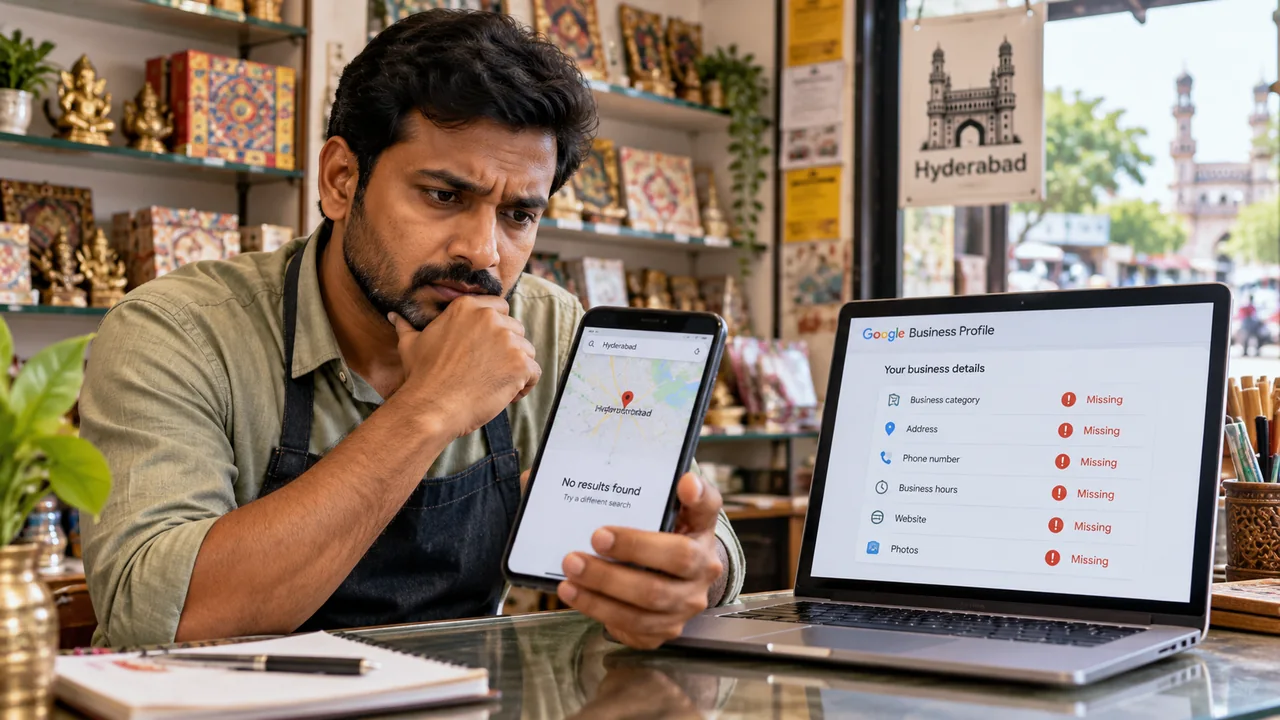
1. Record the exact search and result
Note the query, date, search location and whether the correct profile appears at all. Search the real business name and location; then compare a relevant service query. Do not assume one phone search is a complete ranking report.
Illustrative example: a repair business appears for its name but not for “TV repair” from another part of the city. That points toward a relevance/location investigation rather than proof that verification failed. This is a hypothetical diagnostic, not a client result.
2. Check the owner dashboard
Confirm you have access to the genuine profile and review verification or status messages. An incomplete verification task, required action or suspension cannot be diagnosed reliably from a public label alone.
Follow the relevant official support process. Google provides guidance for verification and suspended or disabled profiles. Do not create a replacement profile to bypass a suspension.
3. Check eligibility, categories and business details
Review whether the business qualifies for a profile and whether its name, category, address/service area and contact details reflect reality. A website does not make an online-only activity an eligible storefront.
Confirm information with the owner before editing it. A broad category may fail to explain a specialist service; an inaccurate category is not a legitimate way to reach a new keyword. Use the profile checklist for the factual review.
4. Investigate duplicates or an old location
Search for old names, addresses or phone numbers. A duplicate listing can confuse ownership and customers. Record the current genuine profile and use Google’s appropriate duplicate/move process rather than adding more listings.
5. If the profile exists, review service visibility
Distance, relevance, prominence and competition can affect which result appears. Compare the actual services, category and website information with what the customer requested. There is no guaranteed tactic that makes a business appear physically closer.
The Maps visibility guide explains which improvements are realistic. Keep contact options usable so a person who does find you can complete an enquiry.
6. Keep website indexing separate
A missing website page and a missing Maps profile are not the same condition. For website problems, use URL Inspection in Search Console to check important URLs. A site: search is incomplete and cannot establish the status of every page.
See the website ranking diagnosis if an indexed page still does not attract relevant search visits. Fixing website indexing does not automatically resolve a suspended profile.
My suggested investigation record
- The genuine profile URL and who owns it.
- The query and search location where it was missing.
- Dashboard status and any official notice.
- Confirmed business details and possible duplicate URLs.
- Website checks recorded separately.
- The action taken, date and later retest.
How long will a correction take?
That depends on the issue and Google’s process. I would check the applicable official guidance rather than promise a recovery date or position. Share the profile link and the actual problem when asking for help; do not send account passwords.
Related services
If you need help implementing these checks, you can review the relevant scope:
Need help applying this?
Share your website and the problem you want to solve. I work directly with businesses across Hyderabad and Secunderabad.
Discuss your website ↗