Shopify provides built-in SEO features, but a store still needs useful products, meaningful collections and a working customer journey. Review the content and actual rendered output before assuming you need another app or a custom robots rule.
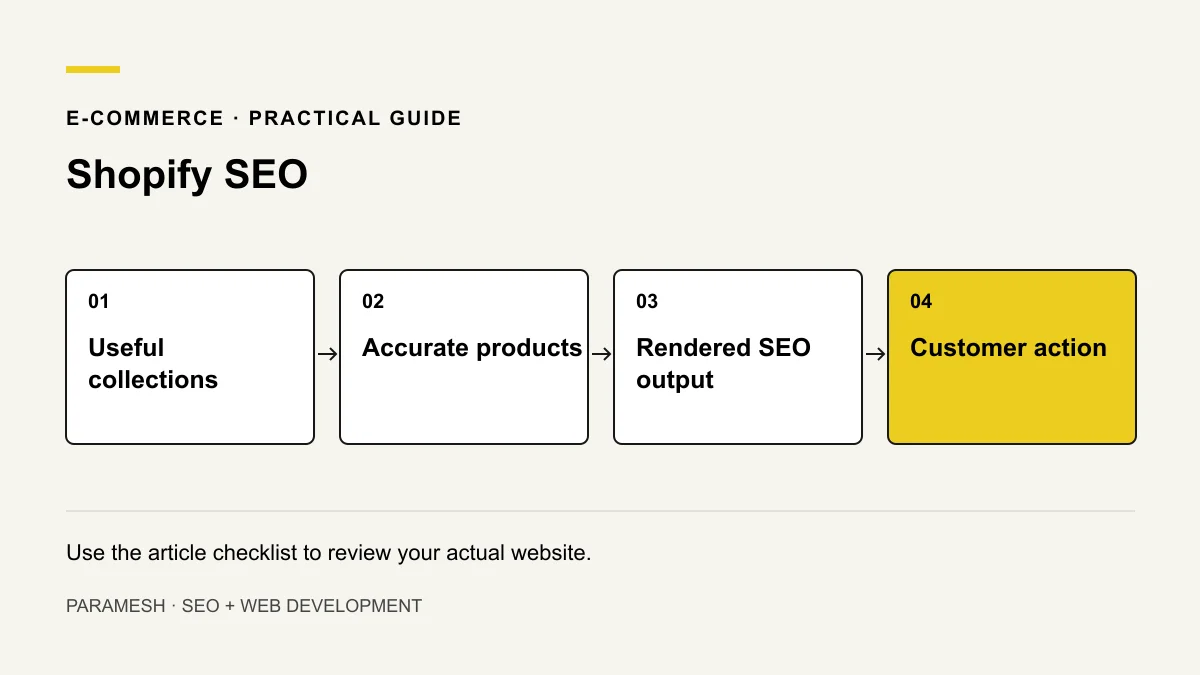
Give collections and products different jobs
A collection helps someone compare a relevant group of products. A product page explains one item: specifications, variants, availability, price and practical questions before purchase. Avoid duplicating one generic description across unrelated items.
Use collections that match real browsing needs. Product and collection links should support navigation; a page hidden from every useful route is difficult for customers to discover.
Review page information and search presentation
Write distinctive titles and useful descriptions. Keep visible headings and product details accurate. Explain shipping, returns and important limitations through the appropriate store pages rather than making unsupported promises.
Illustrative example: a tiles collection can help compare finishes while each product explains its dimensions and suitable use, if those facts are confirmed. This is a hypothetical store-planning example, not evidence about an existing portfolio site.
Understand built-in technical features
Shopify documents automatically generated canonical tags, sitemap and robots.txt among its built-in features. That does not prove every theme or app modification is correct. Inspect representative live product and collection pages for actual canonical and structured-data output.
Consult the Shopify SEO overview and sitemap guidance. Do not rewrite defaults without identifying the issue they cause.
Check duplication and indexing in context
Different paths, filters or variants can create similar views. Compare page purpose, linking and canonical selection before applying a blanket rule. A parameter is not automatically a defect, and a canonical signal does not guarantee how Google selects a URL.
Check important pages with Search Console. A published product may still have visibility settings or other reasons not to appear as expected. Follow current Shopify controls rather than relying on an old admin screenshot.
Shopify warns that robots.txt customisation needs suitable expertise. Blocking crawling does not reliably remove a known URL from search.
Use helpful media and stable mobile layouts
Show approved real product images that answer customer questions. Use accurate ALT, appropriate size and compression. Check image loading, layout stability, variant controls and checkout-related paths on a phone. Apps, fonts and theme effects can change performance; measure rather than assume the platform is the cause.
Check structured data against the visible offer
Review rendered product markup and conflicting theme/app output. Price, availability and any review claims must match real content. Do not add ratings that the store cannot substantiate. Eligible markup does not guarantee a special search appearance.
My suggested store review checklist
- Choose representative product and collection URLs.
- Check accurate descriptions, specifications and navigation.
- Review titles, images and customer-policy routes.
- Inspect canonicals, sitemap and structured data.
- Check intended indexing with available evidence.
- Test mobile interactions and measure affected pages.
- Log changes and retest before broad rollout.
Should every filter page be indexed?
No blanket answer fits every store. Evaluate whether it offers a distinct useful destination or just another view of the same products. Use the technical audit and monthly review to base decisions on the actual store.
Related services
If you need help implementing these checks, you can review the relevant scope:
Need help applying this?
Share your website and the problem you want to solve. I work directly with businesses across Hyderabad and Secunderabad.
Discuss your website ↗