A technical SEO audit asks whether important pages can be fetched, understood, selected for indexing and used by customers. Its useful output is a prioritised record of issues and retests—not a list of tool warnings with no connection to the business.
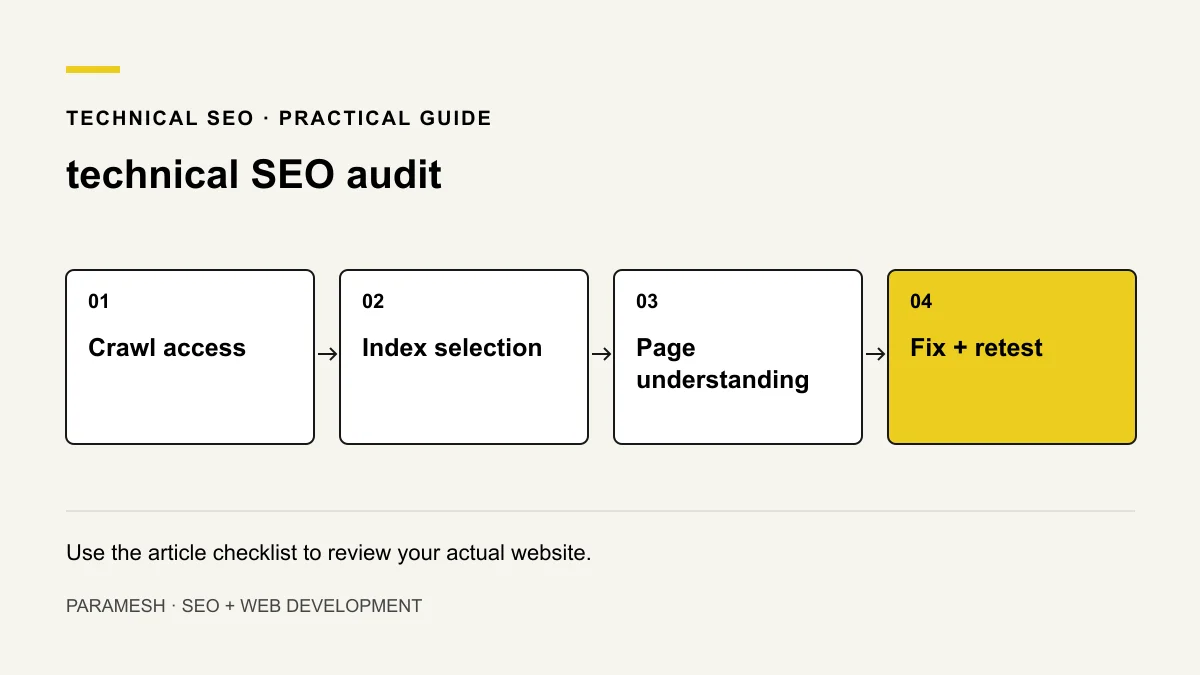
I recommend starting with the pages that explain the actual offer. Before changing title tags or buying plugins, establish which URLs matter and what evidence exists for a problem.
1. Check responses and crawl access
Confirm that important URLs return usable successful responses over HTTPS. Review robots.txt rules and resources needed to render the page. A robots block controls crawling; it is not a reliable removal instruction for an already known URL. A noindex instruction needs to be seen by the crawler.
Check redirects for the intended destination, avoid chains where practical and retain relevant old-to-new mappings. A missing URL should return a real missing-page status, not a success response showing an error.
2. Check indexing and canonical choices
Inspect priority URLs in Search Console. Compare declared canonicals, available selected-canonical information and the page purpose. A canonical is a signal, not a guaranteed command. Check accidentally published noindex directives and duplicate URL variants.
Ensure sitemap entries represent intended canonical indexable pages. A sitemap supports discovery but does not guarantee indexing. Read Google’s robots guidance and canonical guidance before changing controls.
3. Check discovery and page understanding
Follow navigation and contextual internal links to important pages. Identify orphan pages and links to retired URLs. Use descriptive link text that helps the reader understand the destination.
Review titles, heading structure, useful main content and structured data that describes visible facts. Parse JSON-LD and investigate conflicting plugin/theme markup. Validation does not guarantee a rich result.
4. Compare rendered and source content
A JavaScript page can look complete in your browser while key content or links are unavailable in an initial response or fail to render correctly. Use relevant rendered-page inspection alongside source and live browsing. Test failed scripts and a mobile visit; do not assume every JavaScript site has the same problem.
5. Check real usability and performance
Test small screens, readable tables, keyboard navigation, forms and contact destinations. Review real-user Core Web Vitals when sufficient data exists; lab diagnostics help investigate but are not the same measurement. LCP concerns loading, INP responsiveness and CLS unexpected movement.
Use Google’s page-experience guidance. Performance supports a usable site; a fast irrelevant page can still fail the customer’s task.
Record a fix that can be verified
Illustrative audit entry: an important service URL contains noindex on the production page. Record the URL, observed directive and Search Console evidence; confirm the page is intended for indexing; correct the directive; deploy and retest. This is a sample, not a claim of completed client work or automatic rankings.
- URL and business purpose.
- Evidence, inspection date and affected scope.
- Recommended action and owner.
- Backup/rollback needs before a risky change.
- Retest result and remaining uncertainty.
Prioritise instead of fixing every warning
Start with access failures and unintended exclusion of important pages, then content/structure issues and usability. Review cosmetic diagnostics in context. Use the ranking troubleshooting guide when the page is indexed but the intent or relevance may be wrong.
Does passing an audit guarantee rankings?
No. Technical eligibility is a foundation. Useful content, search intent, genuine evidence and competition still matter. Keep a monthly review record after implementation.
Related services
If you need help implementing these checks, you can review the relevant scope:
Need help applying this?
Share your website and the problem you want to solve. I work directly with businesses across Hyderabad and Secunderabad.
Discuss your website ↗