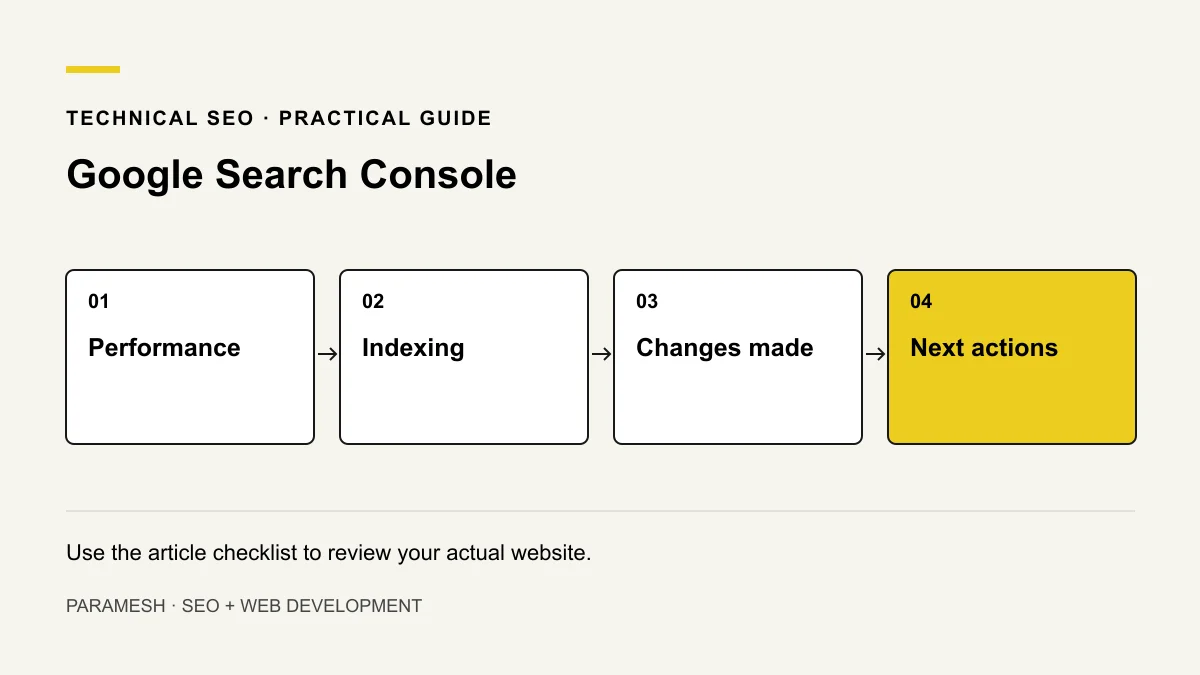
A monthly Search Console review should explain what changed, which pages matter and what you will do next. Checking total clicks without dates, filters or page context can hide the actual business question.
Confirm ownership and a consistent review period
Use the correct verified property and keep the business in control of access. Choose comparable date ranges and record filters such as search type, country, device and page. Short periods, seasonal demand and different reporting views can change comparisons.
I recommend keeping a simple log with the review date, major website changes and decisions. That is more useful than a screenshot without context.
Review queries and the pages receiving them
Look at clicks, impressions, click-through rate and position together. Separate company-name searches from discovery of services. Compare important landing pages, not only the total site.
Available query rows do not show every query. Anonymisation and reporting limits affect what you can inspect. Average position is a summary of recorded results, not a guarantee of a fixed rank from every location. Read the Performance report documentation for definitions.
Inspect important indexing changes
Review Page indexing reasons in context. Some excluded URLs—such as deliberately nonindexable duplicates—may be expected. Prioritise the service or product URLs intended to appear in search.
Use URL Inspection for a specific URL and distinguish indexed information from a live test. A successful live test does not promise indexing. Record declared/selected canonical information where available before making changes.
Review sitemaps and discovery
Check the submitted sitemap and reported processing issues. Confirm important intended canonical URLs are represented and linked within the site. Sitemap submission is discovery support, not a request Google must accept into the index.
Check Core Web Vitals and relevant warnings
Review available real-user data and affected URL groups. Missing data does not mean performance passed. Use lab tools to investigate a representative page, then retest after a change. Also check security and manual-action reports when an alert or issue calls for attention.
Google provides separate Core Web Vitals report guidance. Do not confuse a single Lighthouse score with the experience of all visitors.
Turn the review into an action
Illustrative observation: a service page gains impressions for a repair question but explains only installation. The action may be to clarify the real service scope—not rewrite every site title. This is a hypothetical review example, not client data.
- Observation and relevant URL/query.
- Comparison dates, filters and known changes.
- Evidence and possible alternative explanations.
- Action, owner and expected retest.
- What remains unmeasured.
Keep search clicks separate from customer outcomes
Search Console describes search activity. It does not automatically confirm phone calls, qualified leads or revenue. Combine it with consent-appropriate measurement and actual enquiry records where available; keep the metric definitions clear.
Does every decrease need a website rewrite?
No. Verify the scope, comparison and actual affected pages first. Use the diagnosis guide and audit checklist when an observation points to a specific issue.
Related services
If you need help implementing these checks, you can review the relevant scope:
Need help applying this?
Share your website and the problem you want to solve. I work directly with businesses across Hyderabad and Secunderabad.
Discuss your website ↗