WordPress SEO is not just installing an SEO plugin. A plugin can help manage metadata or sitemaps, but it cannot decide your service scope, create genuine evidence or guarantee that visitors find the page useful.
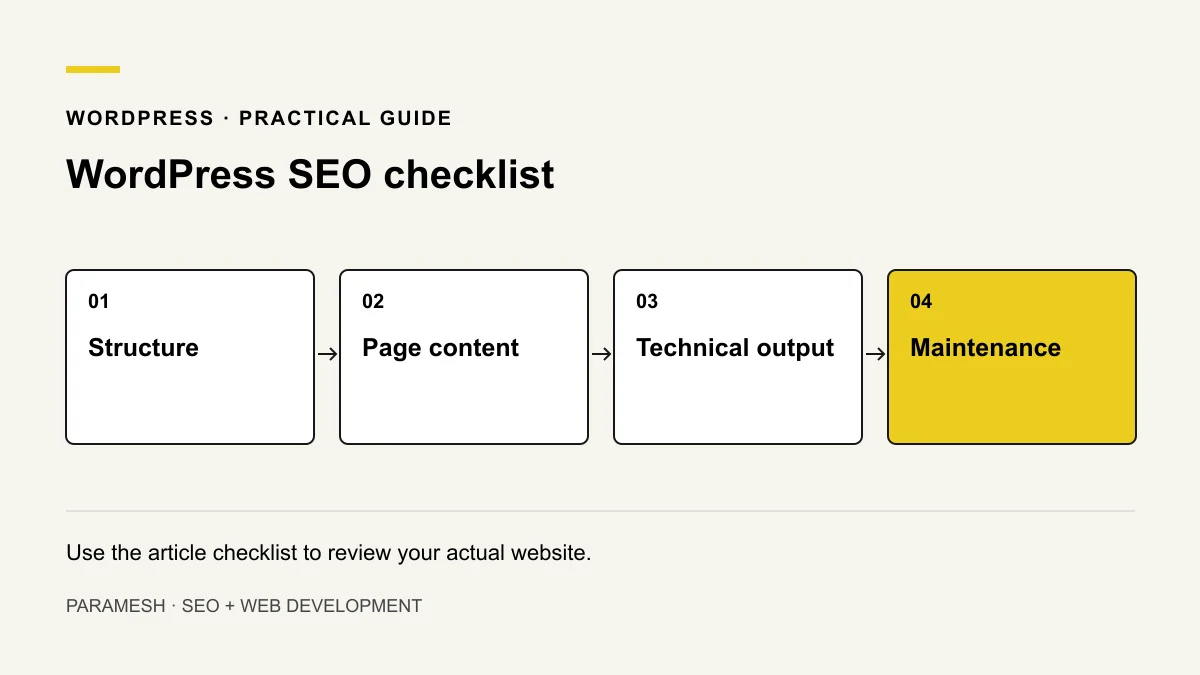
Plan a structure people can follow
Give distinct services a clear destination when they answer genuinely different needs. Use navigation and contextual links so important pages are not orphaned. Decide whether category, tag, author and search archives serve a useful purpose instead of indexing every generated URL by default.
Choose readable URLs. Changing an existing permalink affects links and search history; map old addresses to relevant replacements before making a move.
Review titles, descriptions and headings
Use a page-specific title that describes the offer or answer. Write a description that sets an accurate expectation, without guaranteed results. Use one clear main heading and logical subheadings. Metadata is not a substitute for visible information.
Illustrative example: a maintenance page should explain updates, backups and response scope. Repeating “WordPress expert” in headings will not supply those missing details. This is a page-planning example, not a project claim.
Check images and links
Use approved images that help explain the service. Resize and compress them, include dimensions to reserve space and choose loading behaviour based on placement. ALT should describe the actual informative image; decorative images do not need promotional keywords.
Link to relevant supporting pages with understandable labels. Retest phone, email, WhatsApp and form destinations. A beautiful button that cannot complete the enquiry is still a defect.
Inspect what the theme and plugins output
Review rendered canonical tags, robots directives, sitemap URLs and structured data. Multiple tools may produce conflicting canonicals or duplicate business entities. Check the actual page rather than assuming the plugin settings produced the intended result.
For an intended public page, check that production is not accidentally discouraging indexing. Conversely, do not expose staging simply to pass an SEO check. Use the technical audit for crawl and index controls.
Review plugin purpose and safe updates
Keep a record of why each plugin exists. Some support security, backups or administration rather than visible content. Removing one without understanding dependencies can break a site. Maintain a backup and tested recovery path before updates.
Review theme/plugin compatibility, supported PHP and access permissions. Do not publish admin credentials or rely on an SEO plugin to manage security.
Measure performance and mobile usability
Test representative pages on a phone and by keyboard. Review layout shifts, image loading and interaction responsiveness. Use available real-user Core Web Vitals alongside lab diagnostics. The WordPress speed guide covers hosting, caching and asset investigation without repeating that whole topic here.
A practical pre-release checklist
- Review important page scope and links.
- Confirm title, description and heading hierarchy.
- Inspect canonical, robots, sitemap and schema output.
- Check image permissions, ALT, dimensions and loading.
- Test forms and direct-contact fallbacks.
- Confirm backups, update responsibilities and rollback.
- Inspect key URLs after release and log meaningful changes.
WordPress provides performance documentation; Google’s SEO Starter Guide explains the search foundations.
Should I install another SEO plugin?
Only if it solves a defined requirement without conflicting with existing tools. Start with the output and the problem, not the number of plugins. Use the monthly review to assess important URLs after changes.
Related services
If you need help implementing these checks, you can review the relevant scope:
Need help applying this?
Share your website and the problem you want to solve. I work directly with businesses across Hyderabad and Secunderabad.
Discuss your website ↗