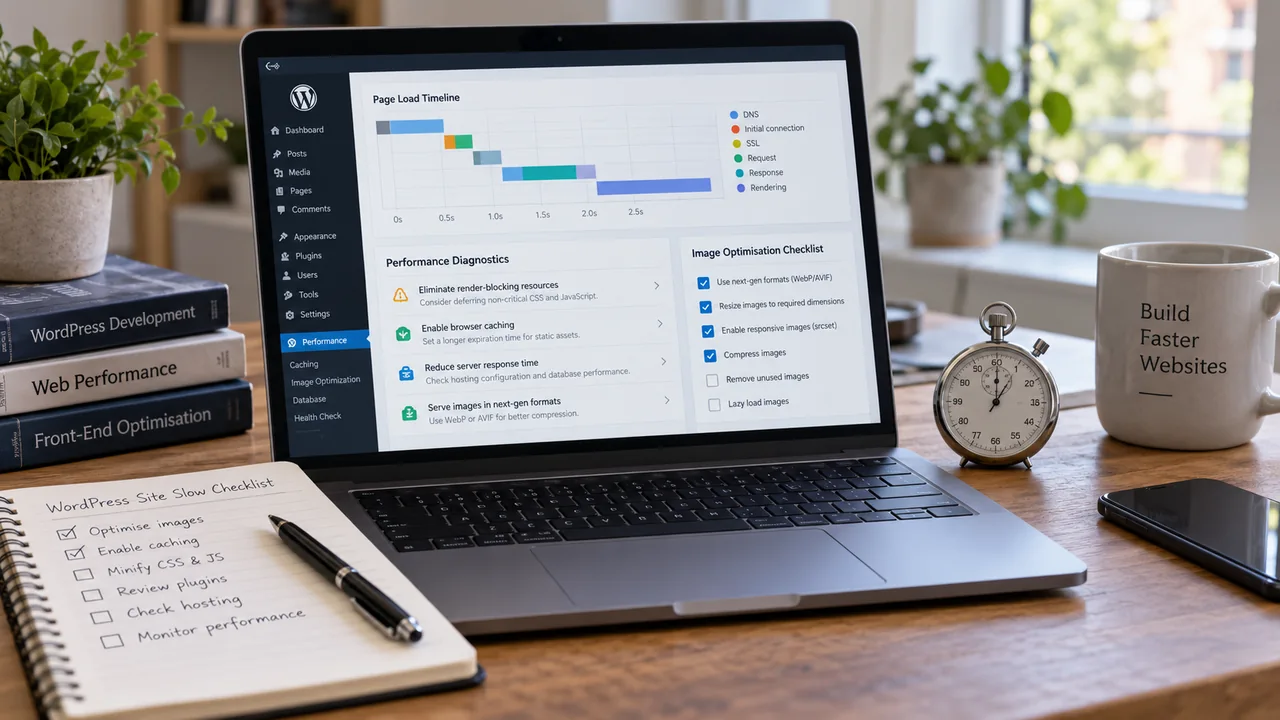
A slow page can have several causes. Use this checklist to frame an investigation, then prioritise the issues shown by measurements. Make a backup and test technical changes in a staging environment where possible.
1. Hosting
The cheapest shared hosting plans often share server resources with hundreds of other websites. Compare server response time with page-loading measurements. A slow response can involve server resources, database work or configuration; an empty test installation alone does not isolate the cause.
2. Unoptimised images
A single uncompressed photo straight from a phone camera can be 5 to 10 MB. Multiply that across a homepage with six images and the page can weigh 40 MB before any code even runs. Compressing and correctly sizing images is often the single biggest speed win available.
3. Too many plugins, or the wrong ones
Plugin count matters less than plugin quality. A handful of poorly coded plugins can slow a site more than twenty well-built ones. Each plugin should be earning its place: review each plugin’s purpose before removal; some support backups, security or administration rather than visible features.
4. No caching
Uncached dynamic requests can repeat PHP and database work. Page caching can reduce repeated server work for cacheable pages. Measure before and after; the improvement depends on your hosting, page content and cache configuration.
5. A heavy page builder
Visual page builders are convenient, but many add extra CSS and JavaScript to every page, whether or not that page uses the relevant features. This shows up clearly in a PageSpeed Insights report as "unused CSS" or "unused JavaScript".
6. No content delivery network (CDN)
If your visitors are spread across cities or countries, a CDN serves images and static files from a server near them instead of a single origin server, which can reduce latency for suitable assets. Benefits depend on the visitors, cache behaviour and origin configuration.
7. An outdated PHP version
An unsupported PHP version may no longer receive security fixes. Check the official support status and compatibility of WordPress, themes and plugins before changing it. Back up the site, test on staging and keep a rollback plan; a newer version alone does not guarantee a faster page.
How to check where you stand
Compare a lab test with available real-user Core Web Vitals. Test relevant service and product pages as well as the homepage. Record the URL, date and change before comparing results.
Use the WordPress performance documentation and PHP support schedule for current technical background.
Run your homepage through Google PageSpeed Insights. The report ranks issues by estimated impact, so you do not have to guess which of the seven points above matters most for your specific site.
See also: WordPress developer in Hyderabad and website maintenance services.
If a redesign is part of the fix, use the redesign and SEO checklist before changing URLs. You can discuss the layout and build through freelance web design. Google's page-experience guidance explains why the overall experience matters.
Need help applying this?
Share your website and the problem you want to solve. I work directly with businesses across Hyderabad and Secunderabad.
Discuss your website ↗